
For buildings people own together. Leases, meetings, votes, payments, repairs and records in one app for the office, the board and the residents, in English or Spanish. Nothing gets lost, and nothing can be changed behind your back.
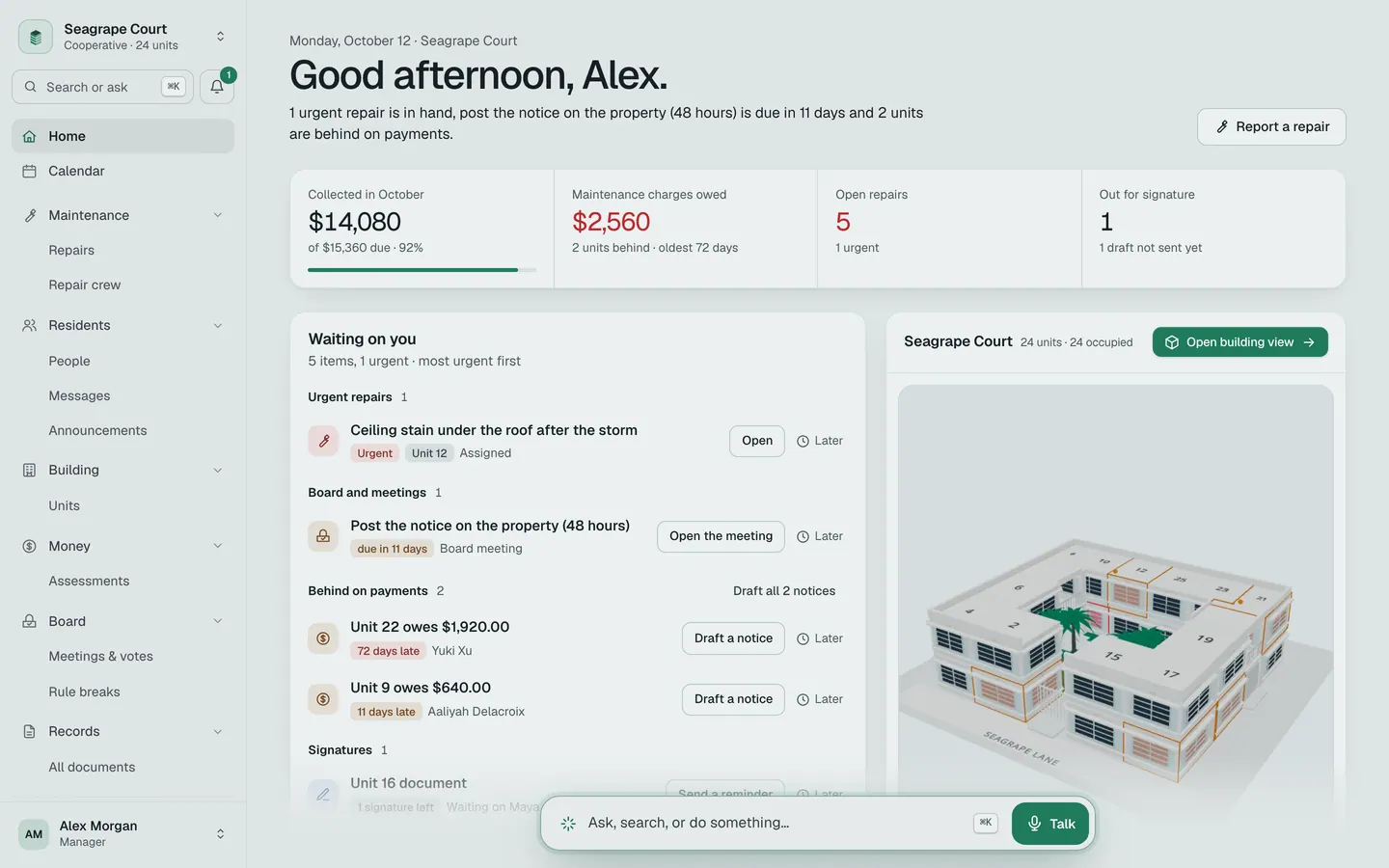
Most buildings run on paper nobody can find. The lease is in a drawer. The minutes are in someone’s old email. The vote was counted on a napkin. And someone always says they never got the notice.
Commonhold puts the whole building in one place. Leases, meetings, votes, payments, repairs, records. Everyone sees what they are allowed to see. And every change is written down where it cannot be erased — not by the office, not by the board, not by us.
Built for Florida first. The law is built in.
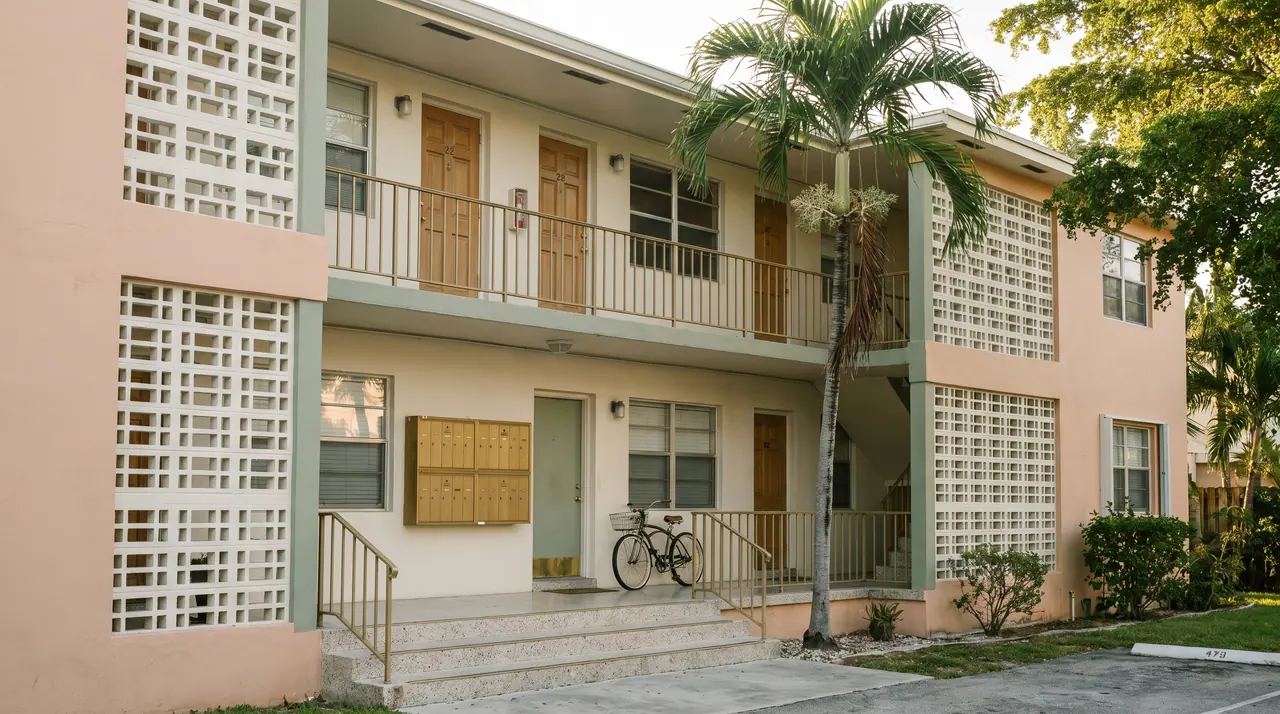
Built for rentals.
Leases written from Florida law, rent on a ledger, and the notices you send when it goes wrong — all in the same place as the tenant’s portal.
- Leases and renewals
- Rent ledger and online pay
- 3‑day and 7‑day notices
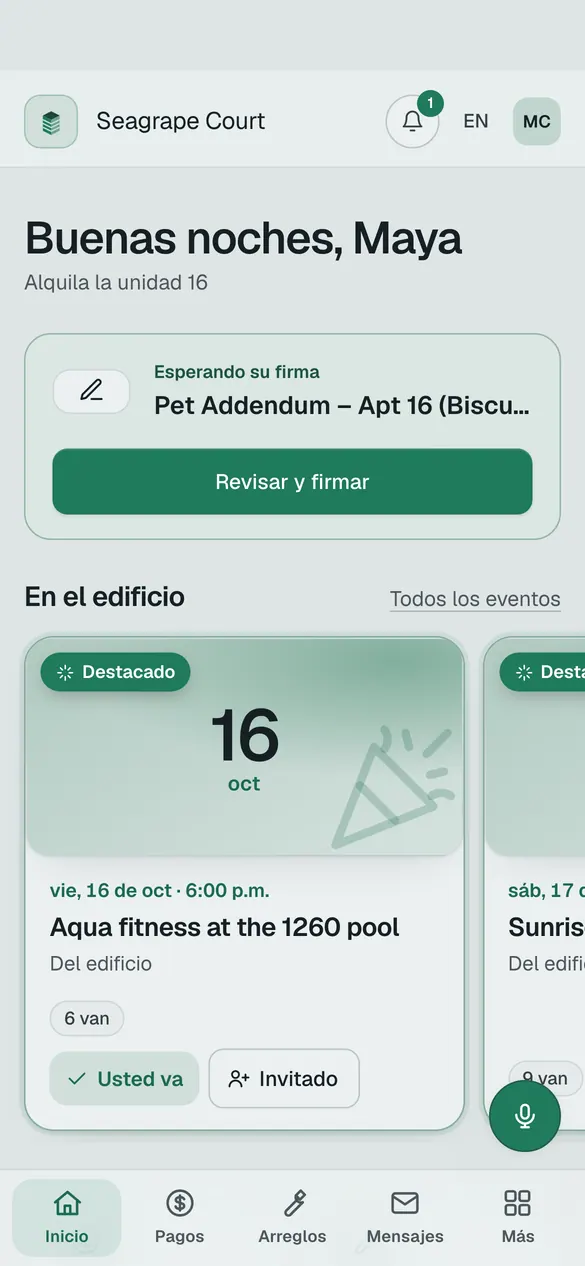
- Tenant portal in English or Spanish
- Repairs sent to whoever is on call
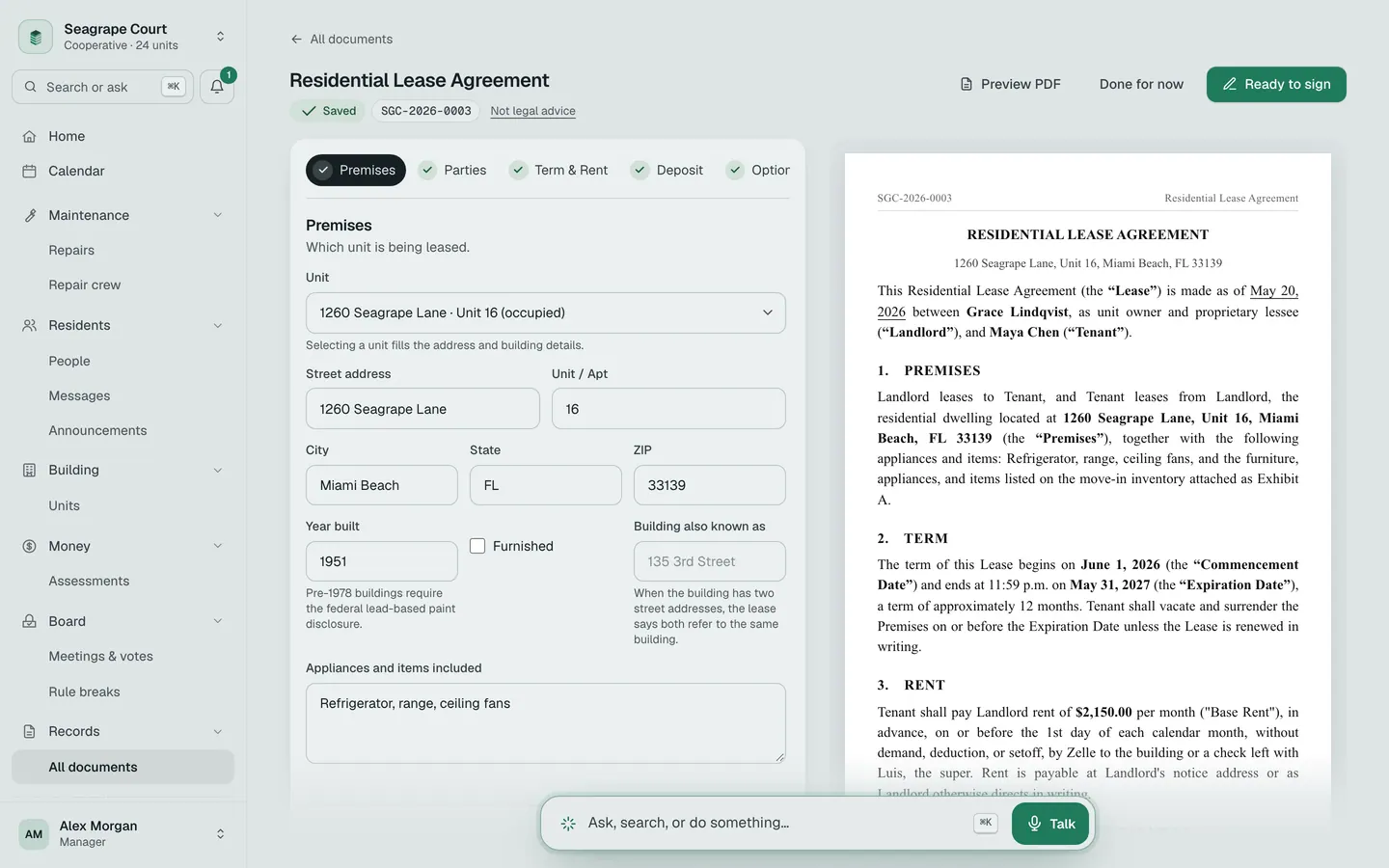
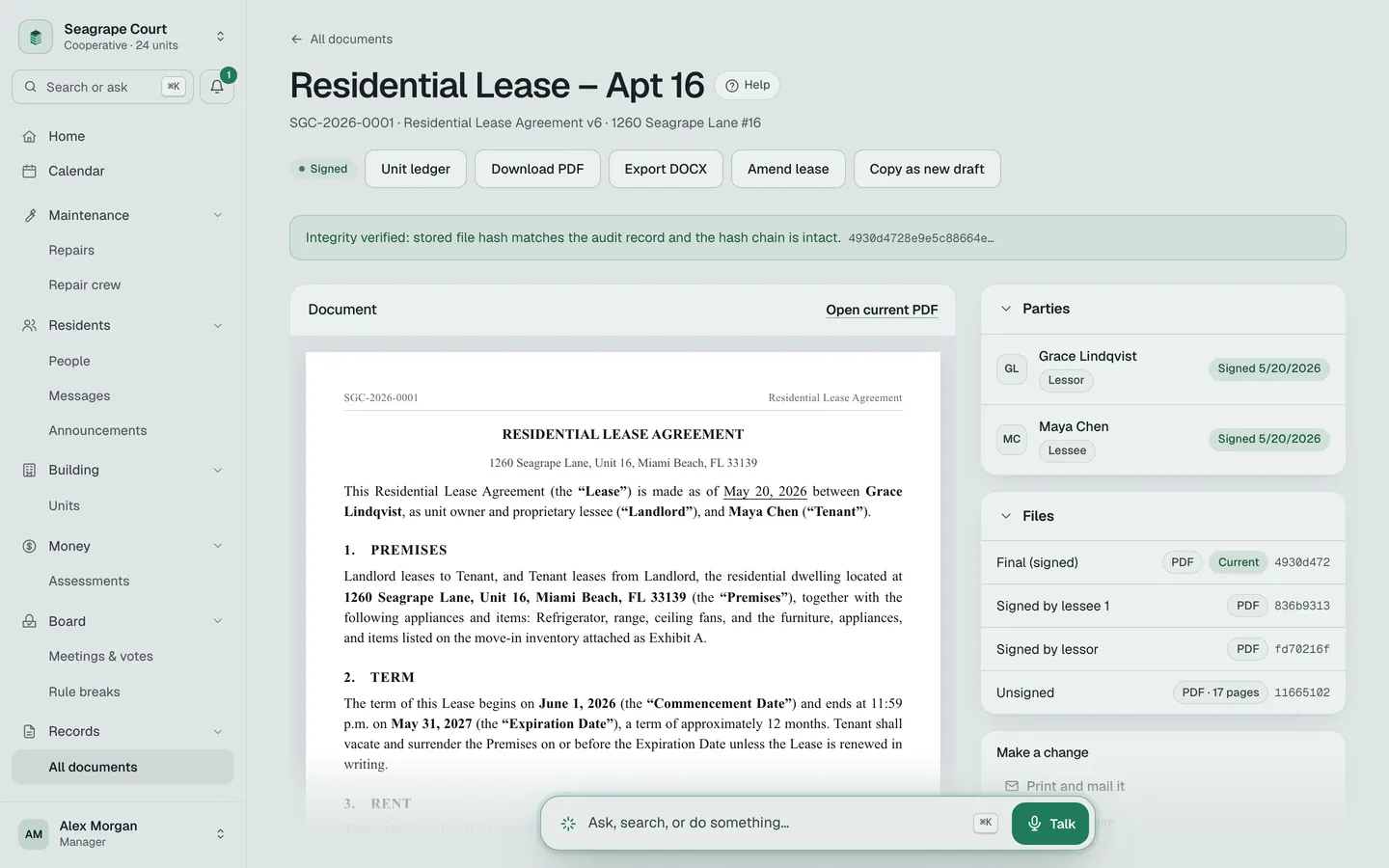
Leases that write themselves.
Fill in a form, one step at a time. The Florida wording is already in there. Sign on an iPad, by email, or on paper.
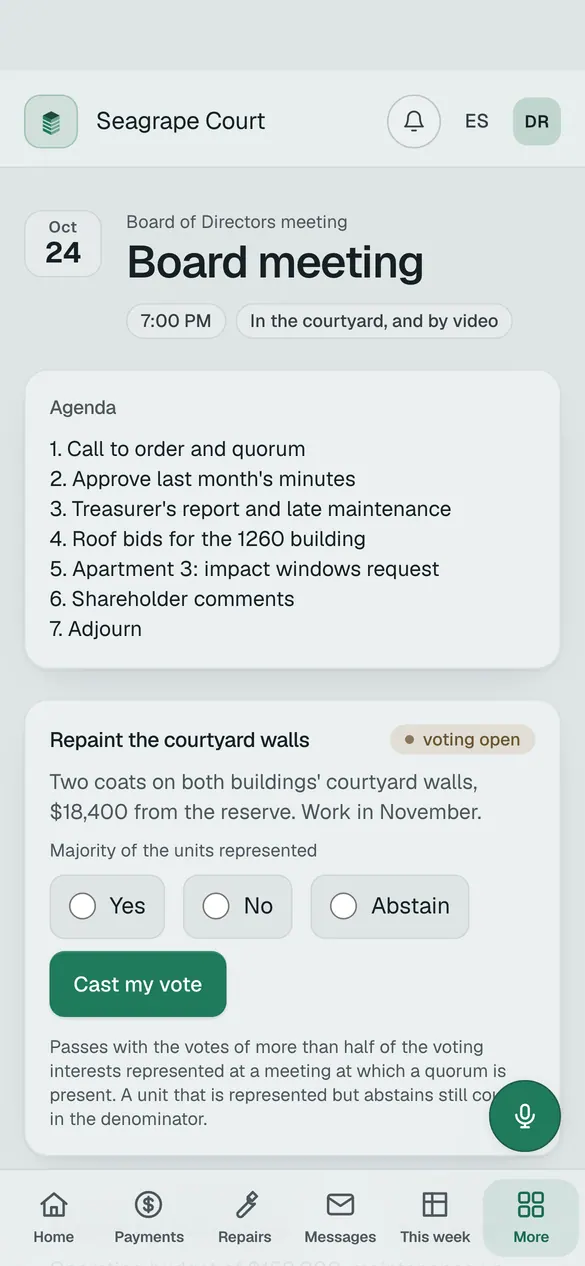
Vote from your phone.
Every vote gets a receipt. Board elections stay secret.
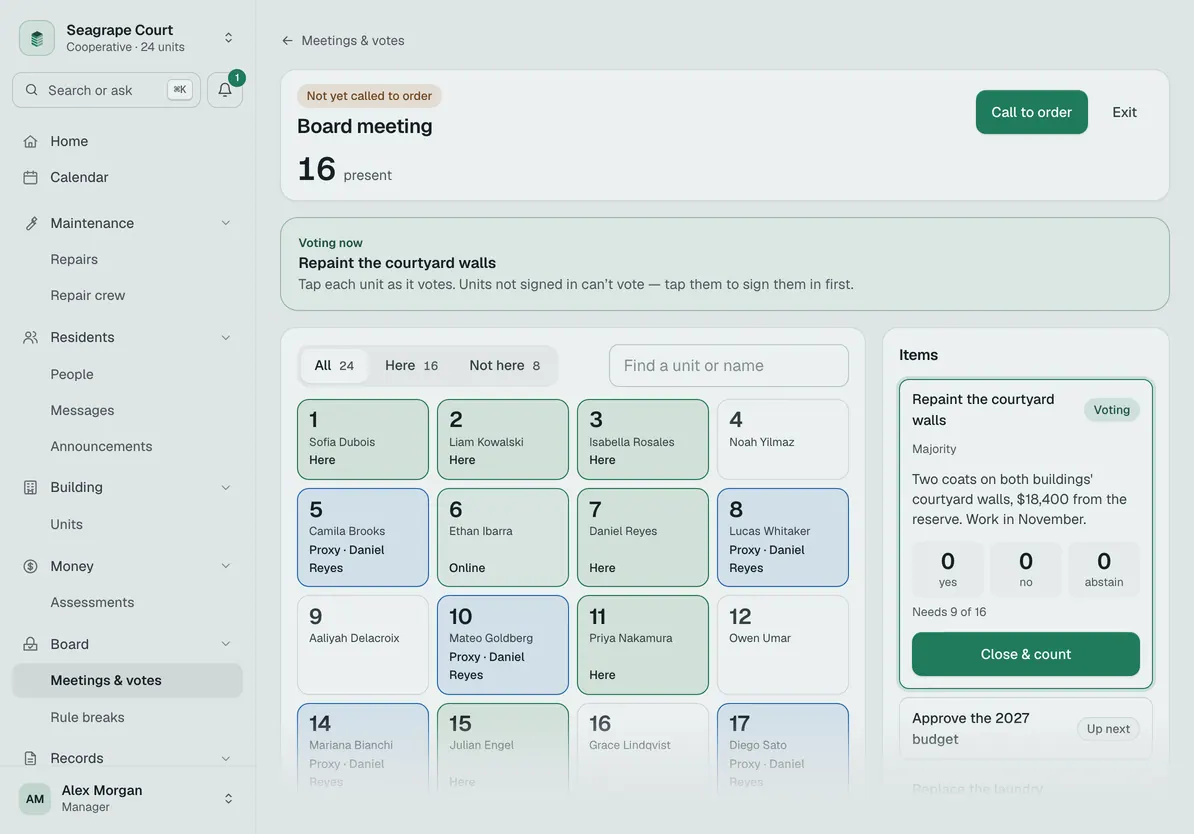
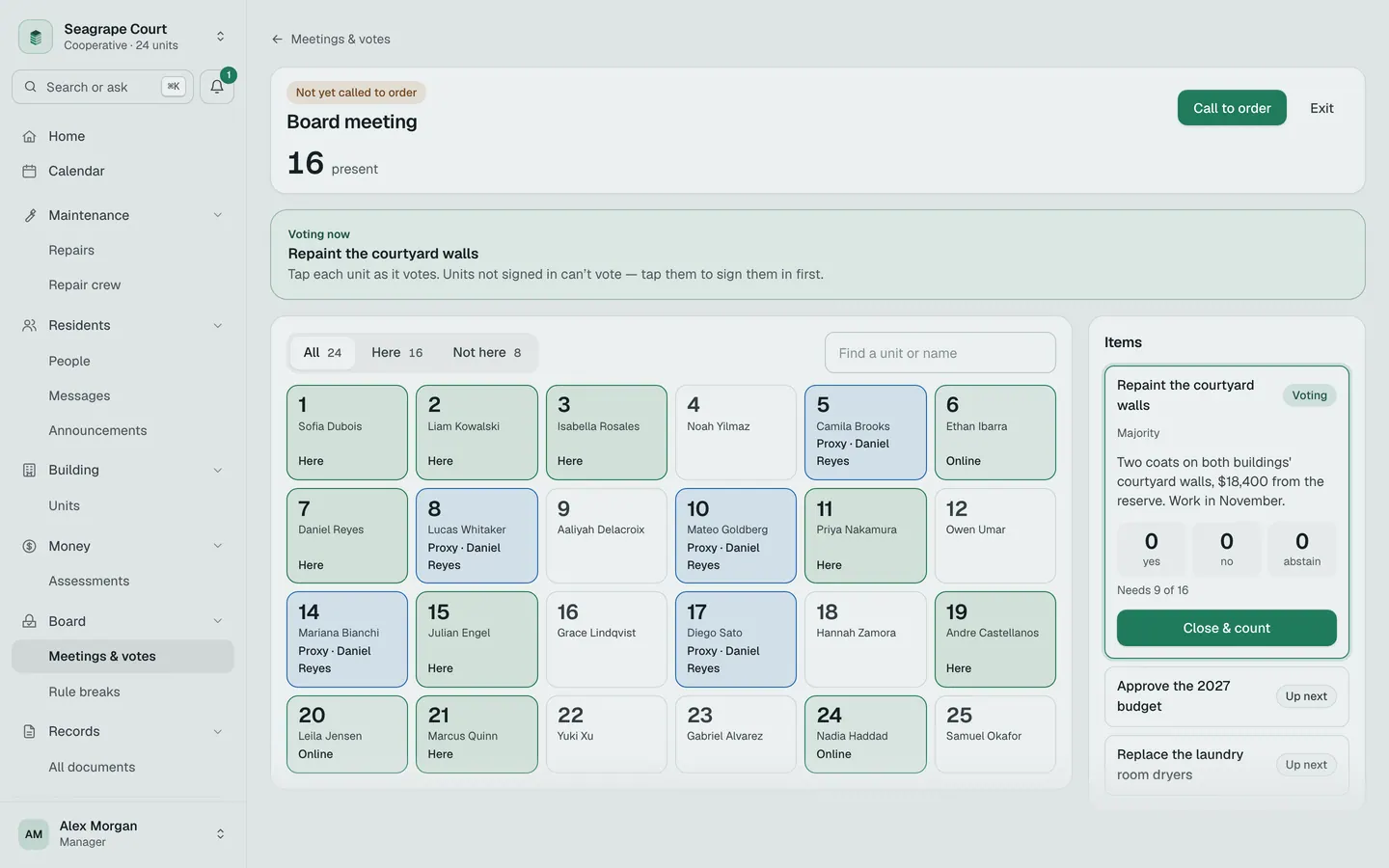
Meetings that run themselves.
The app tells you when each notice is due. On meeting day, tap a unit to sign it in, count the vote, and move to the next item.
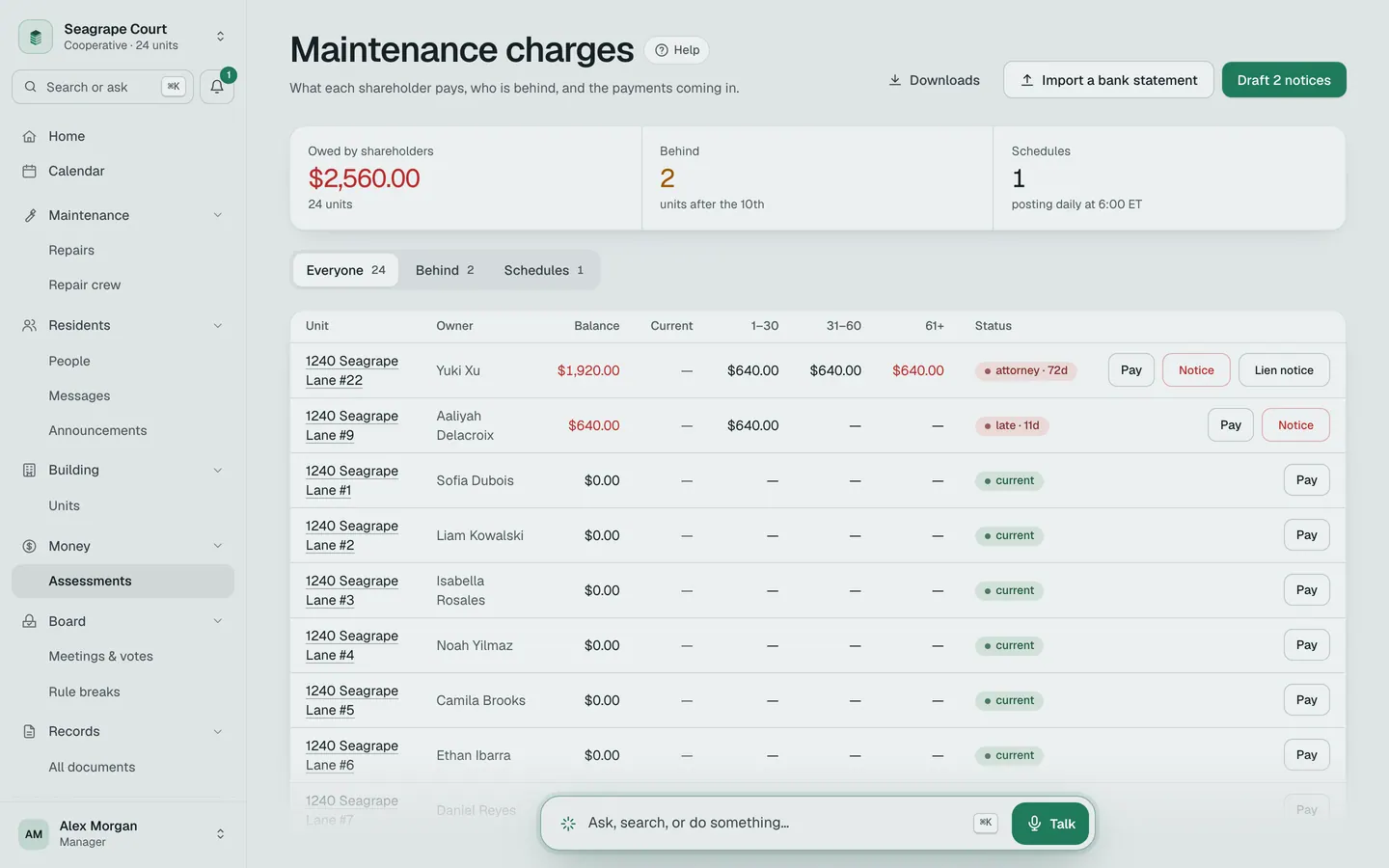
Bills that send themselves.
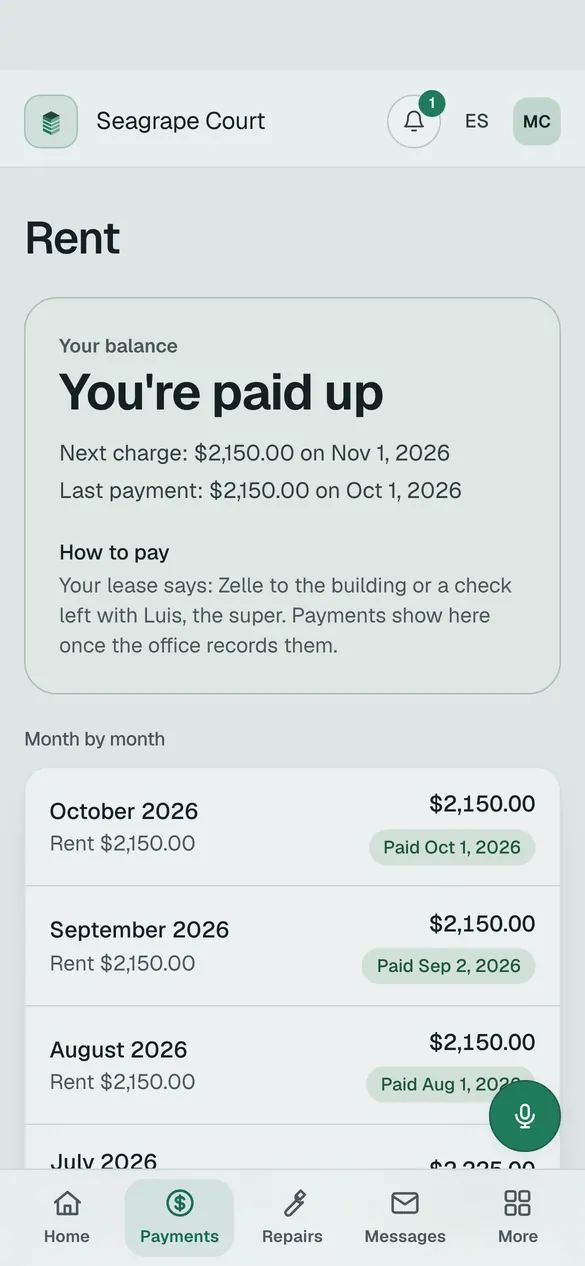
Charges go out on the 1st. Late fees follow the by‑laws. Import the bank statement and each deposit finds its unit.
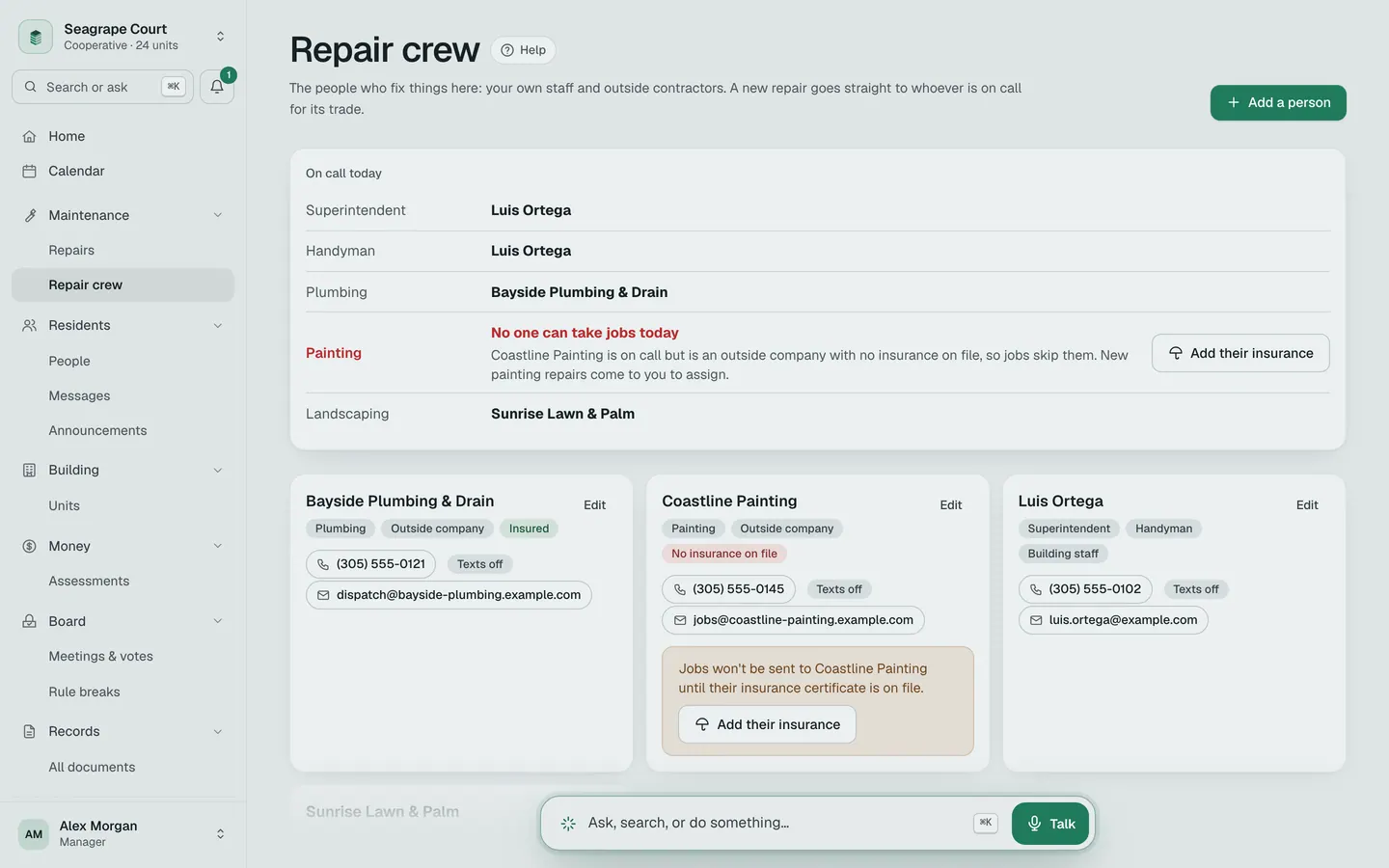
Repairs that find the right person.
A new repair goes straight to whoever is on call for that trade. A contractor with no insurance on file is skipped.
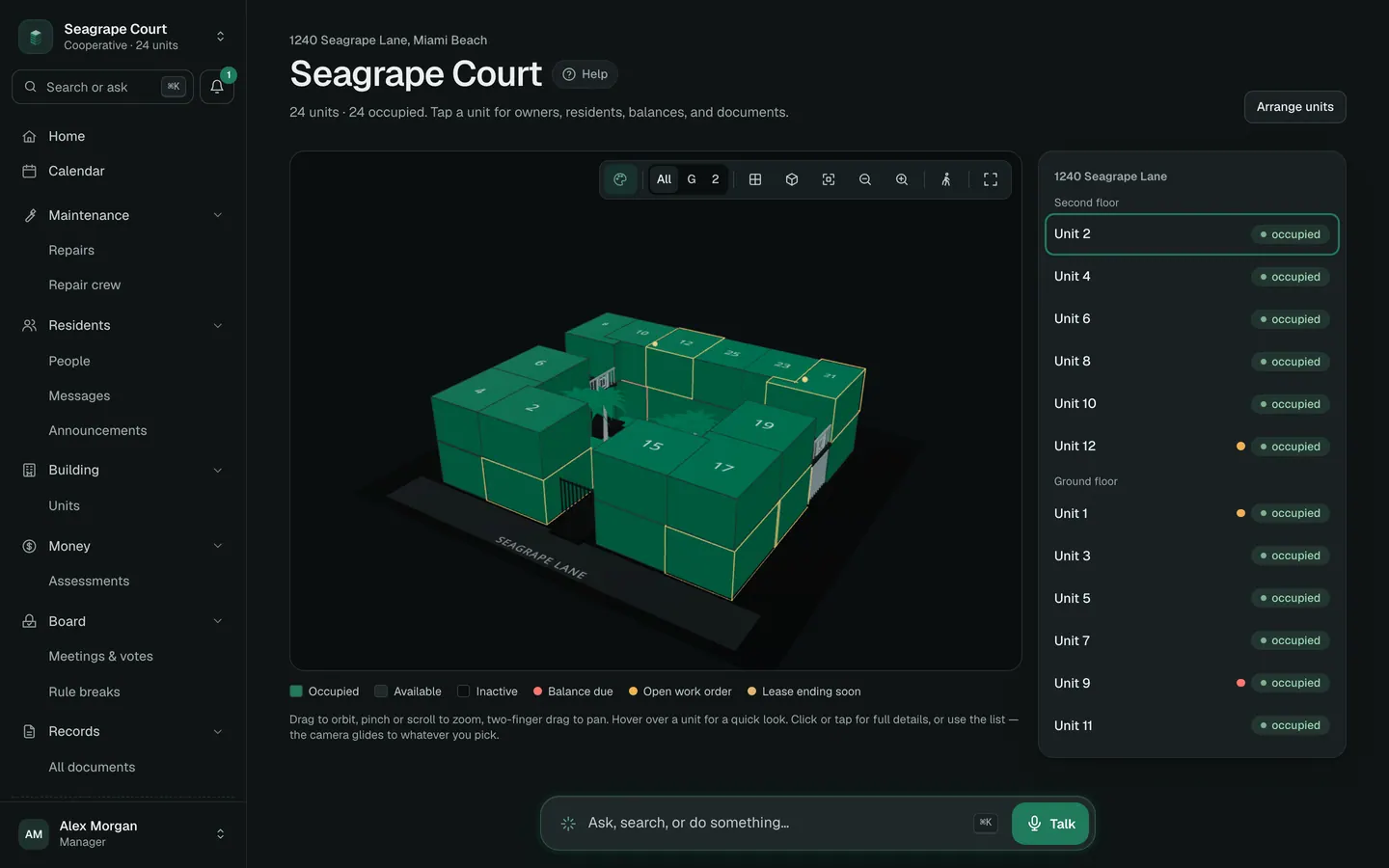
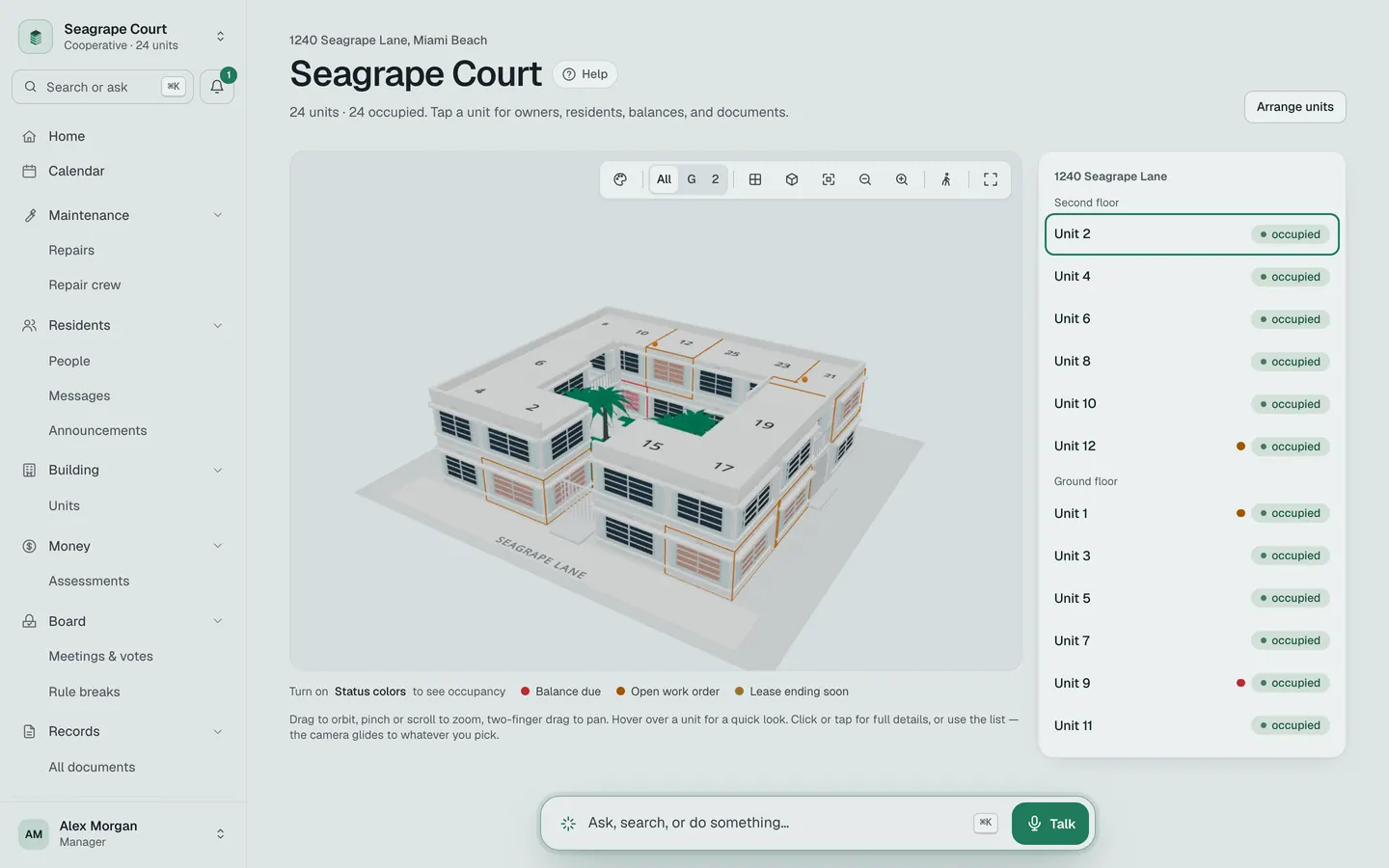
See the whole building.
Every unit is a block. Red means money owed. Orange means a repair. Gold means a lease is ending.
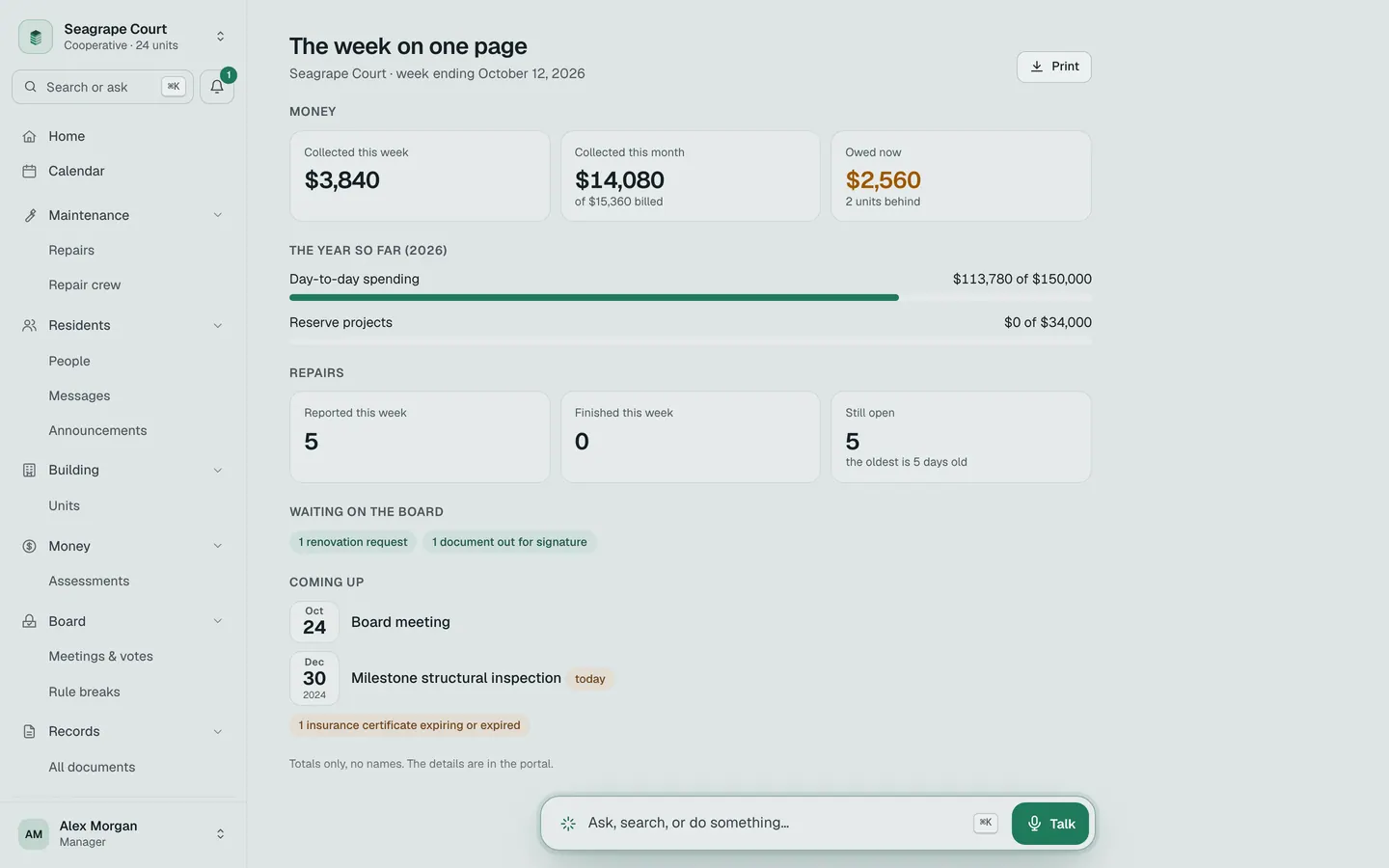
The board’s week on one page.
Money in, the year against the budget, repairs, and what is coming up. Totals only, no names. Print it or read it on a phone.
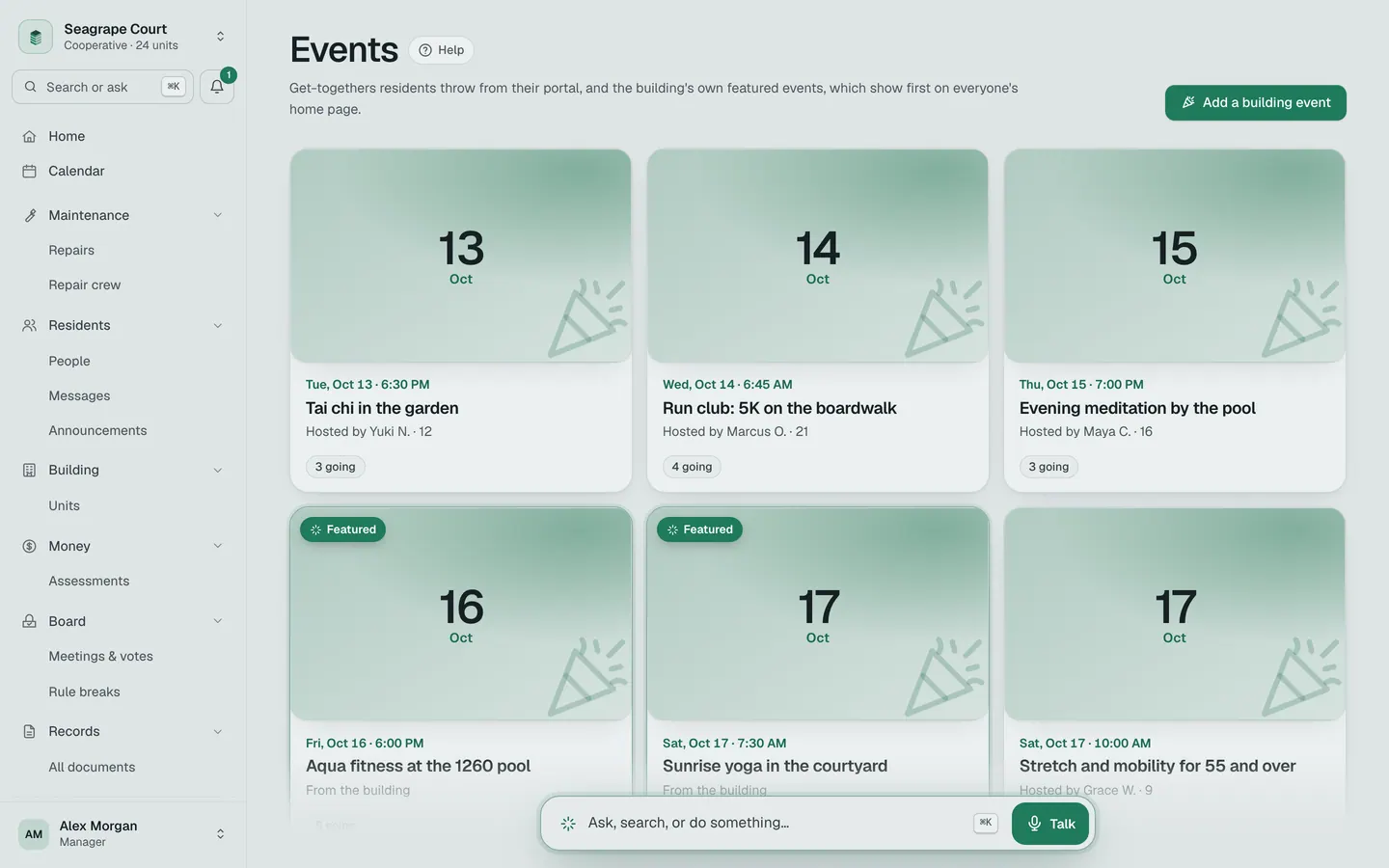
Neighbours, not strangers.
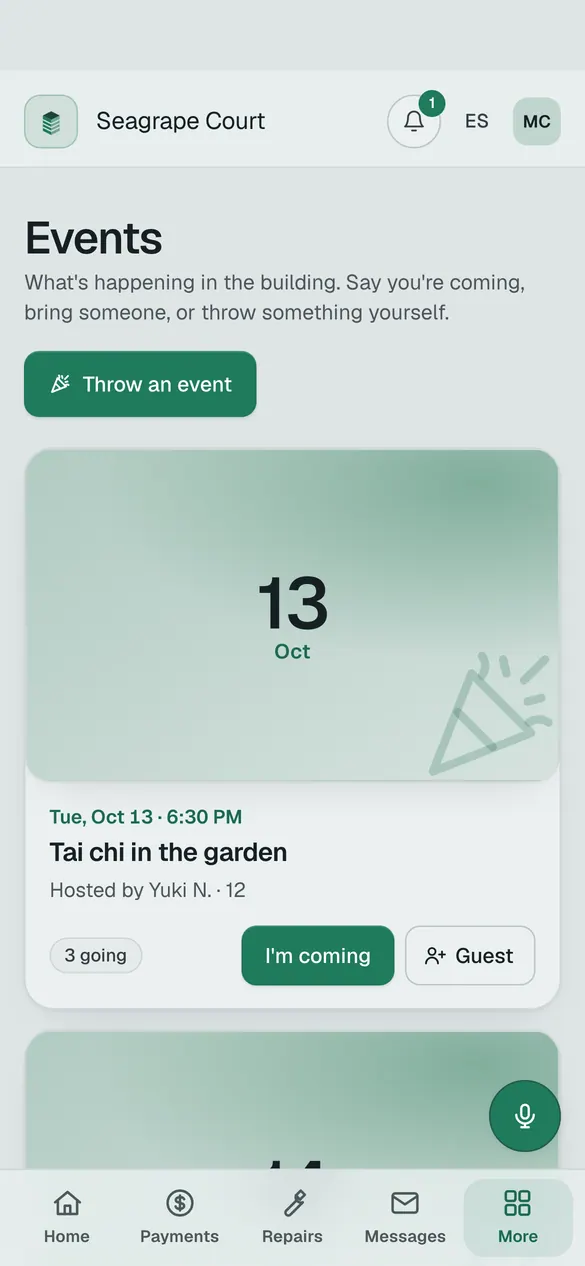
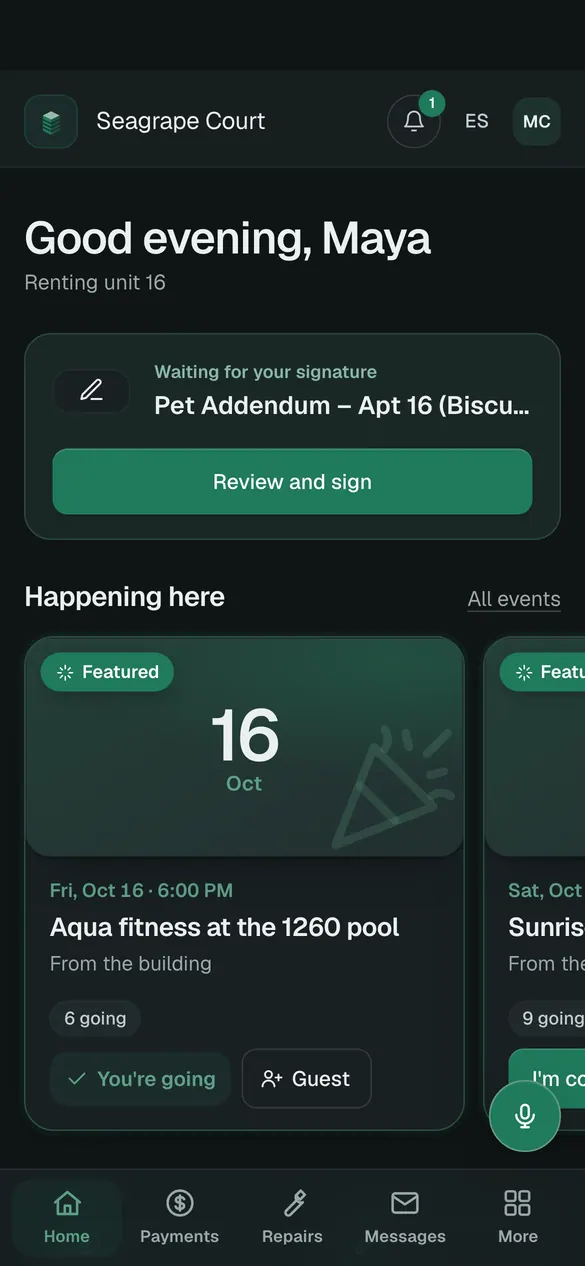
Residents throw get‑togethers and neighbours tap I’m coming. The building’s own events show first.
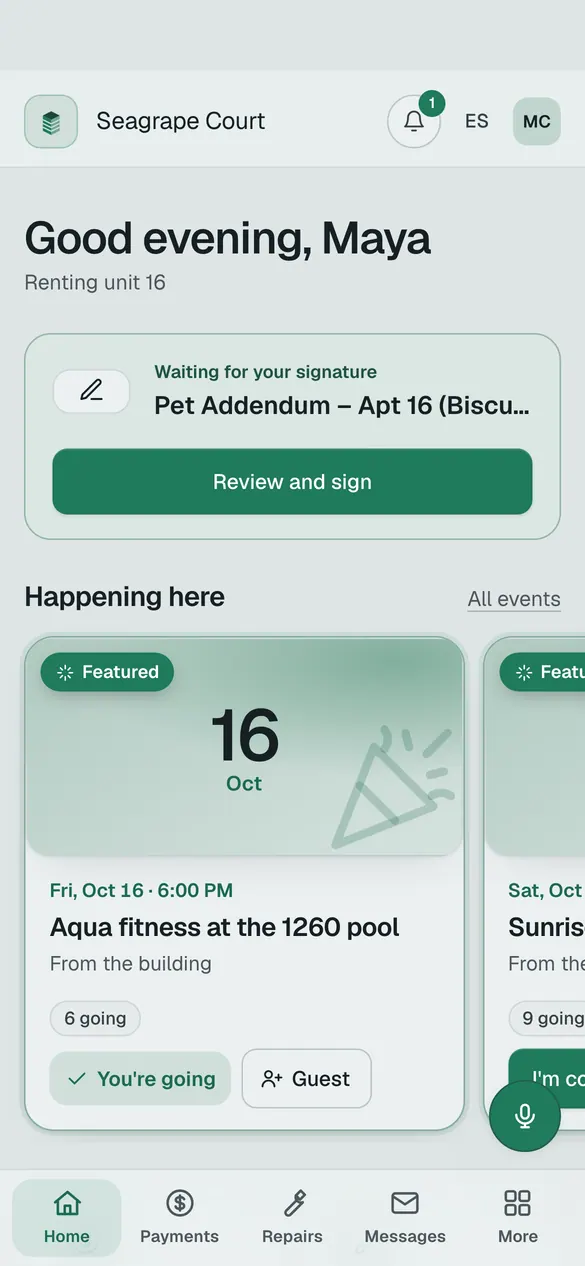
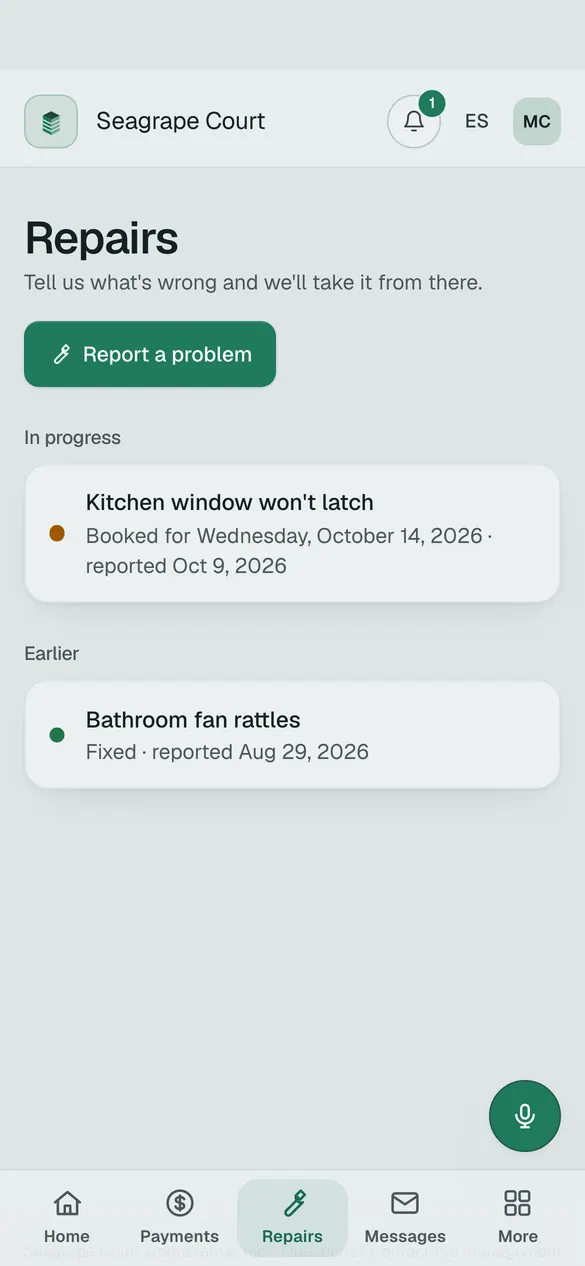
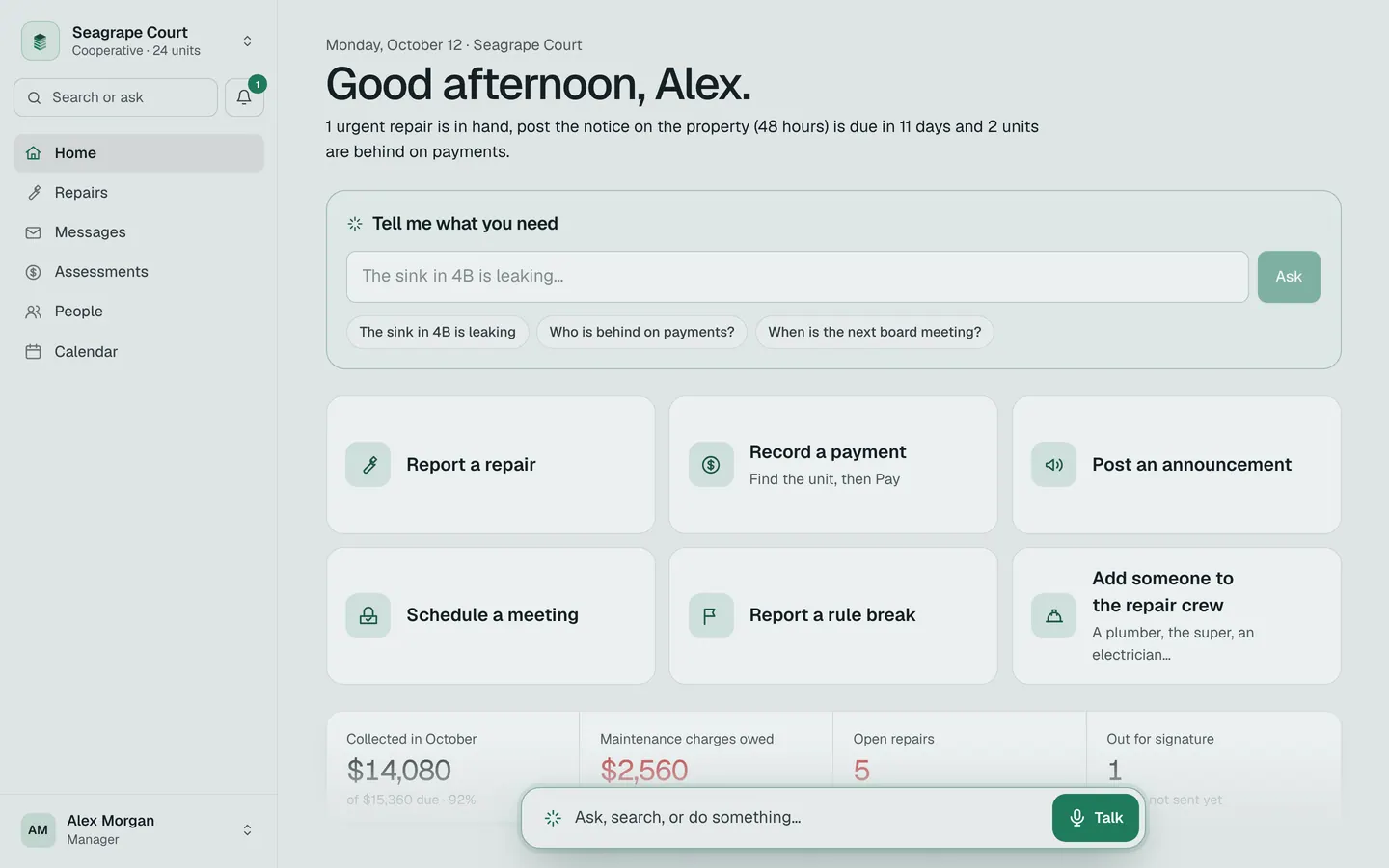
Nothing to download and no password. Home shows only what needs them, with four big buttons under it, and their phone shows the building’s own name and icon.
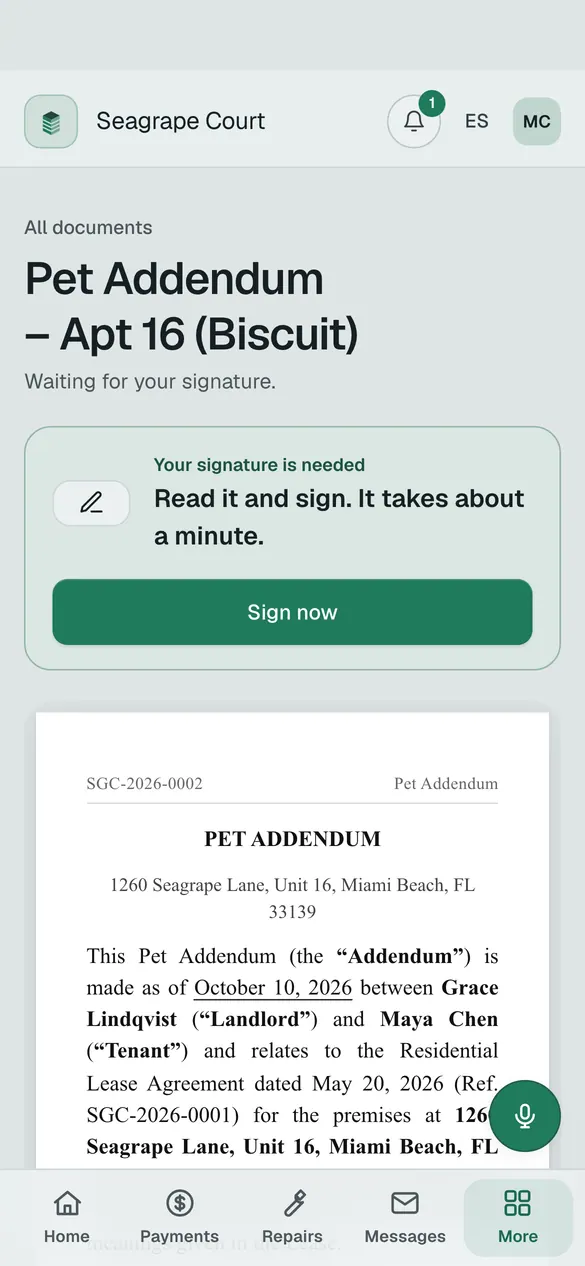
Every action — a signature, a vote, a payment, a notice — is written into a log. Each entry is locked to the one before it. Change an old entry and the whole chain shows it. Not even we can edit it.
- 1Locked togetherEvery entry carries a fingerprint of the one before it.
- 2Cannot be deletedThe database itself refuses to change or remove an entry. Even for an admin.
- 3Checked every timeOpen a signed document and it checks itself against the log, and tells you.
- 4Mistakes fixed in the openCorrect a charge, a lease or a meeting record and the fix is logged with who did it and why. The original stays.
Same app, three sizes. Residents add it to their phone like any app, with the building’s name and icon. The office uses any browser. Meeting day runs on an iPad. Light by day, dark at night.
Each building is walled off from every other. Every view is logged. Everything can be exported.
Start a buildingAsk what you owe, when the meeting is, or how to do something in the app. Report a leak. It answers from your building’s own records, in English or Spanish, and only acts after you say yes. For the office, it drafts the announcement or the balance letter and hands you the button.
Built in · turned on per building
Answer a few questions. Condo, co‑op, HOA or rental. The address. The rules from your by‑laws.
Upload your list of units and owners — the spreadsheet you already have. The building appears.
The board and the office get their roles. Residents get one invitation in their own language, sign in with the email you have on file, and find their unit already there.
Seagrape Court is a made‑up 24‑unit co‑op in Miami Beach. Pick who you want to be and try anything. Nothing is emailed or texted, and it resets every night.
Runs the building: repairs, money, notices, the board.
Go in as the manager OwnerDaniel Reyes, apartment 7Owns an apartment and sits on the board: pays, votes, reads the week.
Go in as the owner TenantMaya Chen, apartment 16Rents an apartment: pays rent, reports problems, signs.
Go in as the tenantPick the size of your building. Every resident, board member and vendor is included. Cancel any month; your documents and data leave with you.
- Leases, notices and signing
- Rent and dues ledger
- Resident portal and repairs
- The 3D building
- Records and the audit log
- Email support
- Everything in Starter
- Meetings, elections and online voting
- Announcements, violations, insurance
- Architectural requests with a board vote
- Talk to the building (voice)
- Board and office roles
Over 60 units: $2 per unit per month on top.
- Everything in Building, for every building
- One sign‑in across the portfolio
- We set up the by‑laws and import the rosters
- Exports for your accountant
- Priority support by email and phone
- Volume pricing from 3 buildings
Online card and bank payments run through Stripe; Stripe’s processing fees are passed through at cost. Prices in US dollars, before tax.
Florida condos, co‑ops and HOAs that run themselves: a small building, a volunteer board, a treasurer with a shoebox of paper. Also the small companies that manage them. Rental buildings can use the leases, payments and resident portal on their own.

Start with one building. Set it up in an afternoon.